Before you start
Step-by-step
Choose a preset
Pick "Digital SAT practice" (Reading and Writing 2 × 32 min, 10-min break, Math 2 × 35 min) or "ACT practice", or "Custom schedule" for class tests.
Choose where to start
Use "Start from" to begin with any section, for example Math Module 1 if you only want math practice.
Start and go full screen
Press Start, then Full screen (or F). The time turns yellow at 10 minutes left and red at 5, with a short beep at each.
Let the break run
When a section ends, three tones play and the break starts automatically. The next section follows when the break is over. Space pauses.
Use your own sections
For a class test, choose Custom and type one "name minutes" per line. Lines containing "break" or "lunch" become breaks.
See it on screen
Captured on October 31, 2026 by running the tool with no input file (presets). All sample data is fictional.
Digital SAT practice running
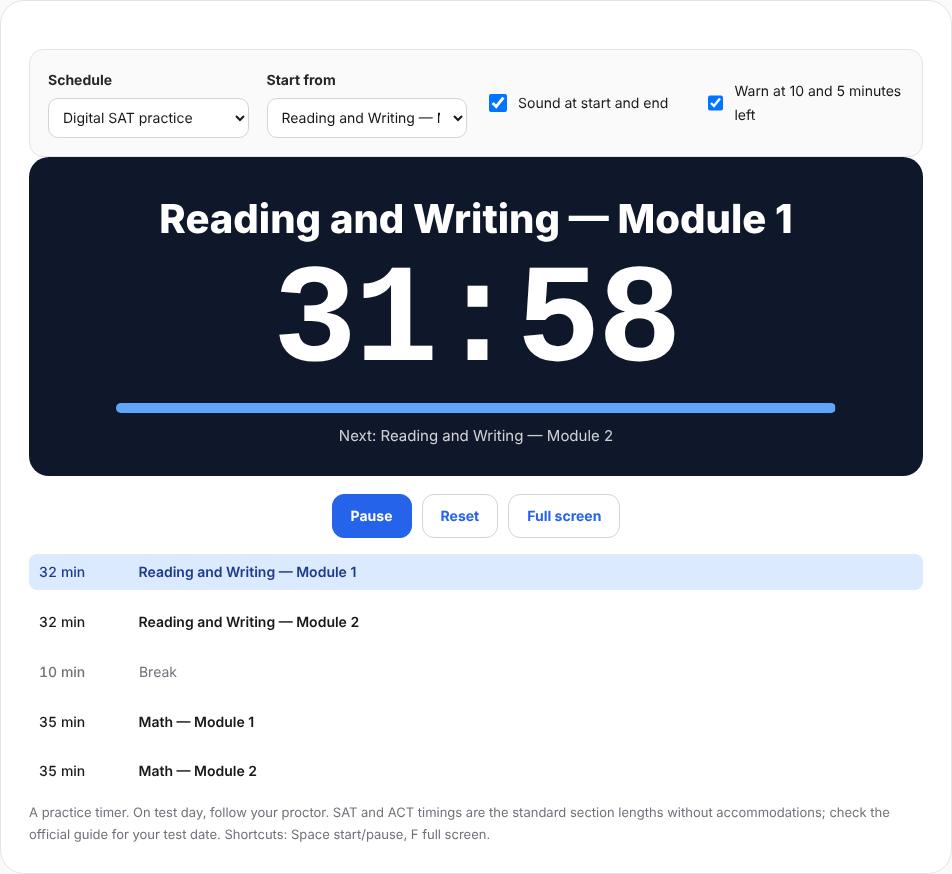
The SAT preset started with Reading and Writing Module 1, showing the time left, the next section and the full schedule with the break. Starting from Math Module 1
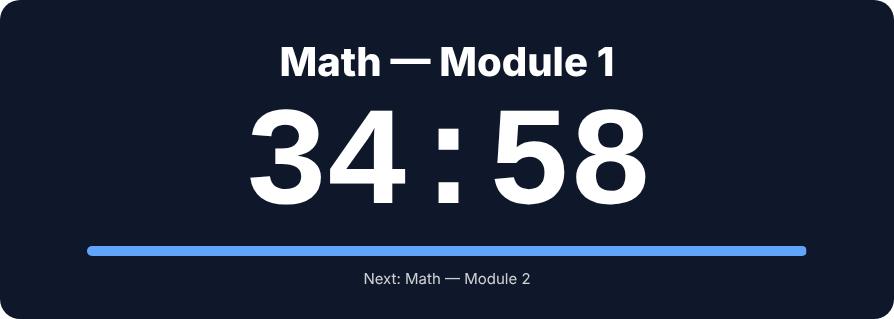
Choosing Math Module 1 under "Start from" starts the timer at 35:00 for math-only practice. ACT practice preset
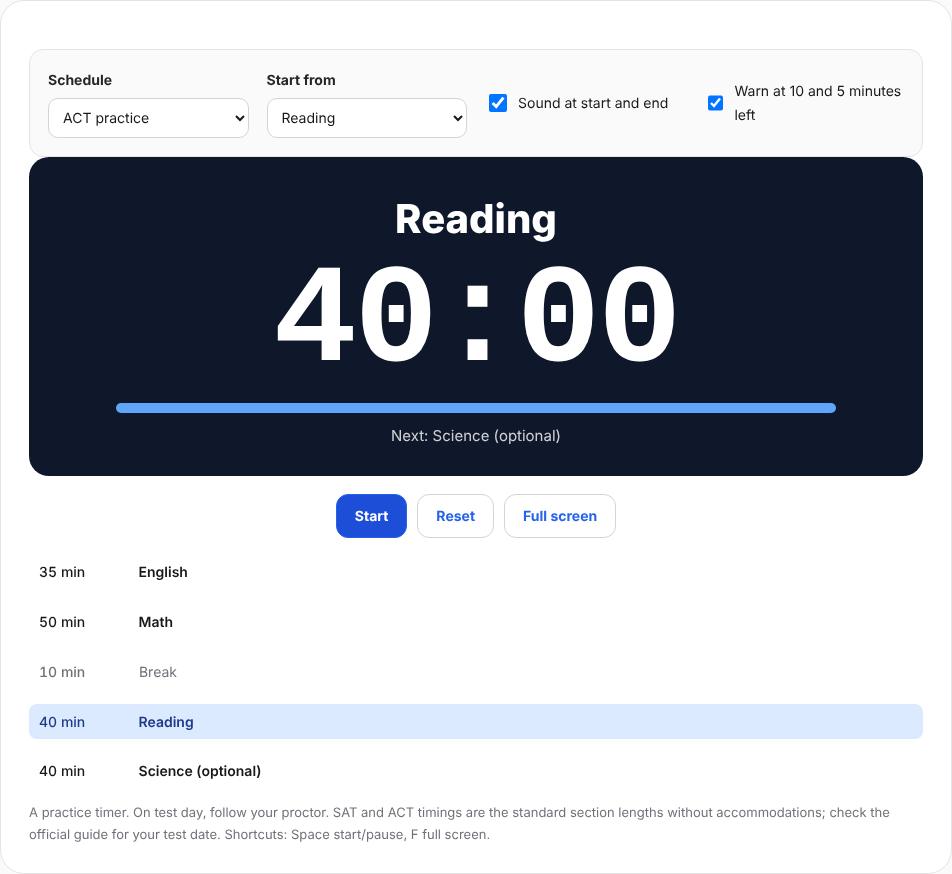
The ACT preset lists English 35, Math 50, a 10-minute break, Reading 40 and optional Science 40.
Worked example
Math only, starting at Module 1
With "Start from" set to Math Module 1, the timer started at 35:00; two seconds later it showed "Math — Module 1 · 34:58 · Next: Math — Module 2".
- Preset
- Digital SAT practice
- Start from
- Math — Module 1
- Alerts
- Start/end tones, 10- and 5-minute warnings
Check the result
- The preset matches the test you are practicing.
- Sound is on so you hear the tones.
- The screen will not sleep during the test.
Limits and tips
- Timings are the standard section lengths without accommodations. Check the official guide for your test date.
- The digital SAT is adaptive; this timer only keeps time and does not score or adapt questions.
- On test day, follow your proctor.
Questions
Does it keep running in another tab?
Time is based on the clock, so it stays correct when you come back.
Can I project it?
Yes, full screen scales the numbers to the screen.
Is the ACT science section included?
Yes, as an optional section at the end; delete it in a custom schedule if you skip it.
Try it with your own file
Open the tool and review the result before sharing it.